Looking
Find printers scans over Bluetooth LE. There's nothing to pair first.
Bluetooth thermal printing · Windows · macOS · Linux
Print notes, pictures and PDF pages to a pocket Bluetooth thermal printer. No phone app, no pairing, no printer driver.
A pocket printer has moods. Here are the four you will see most.
Find printers scans over Bluetooth LE. There's nothing to pair first.
The job goes straight to the printer, row by row, at the pace it asks for.
Sent means the printer got every byte. The paper has the final word.
Nothing in the queue. Quit any time: waiting jobs are still there after a restart.
Choose what to print on the left and watch the paper on the right. The preview is the exact dots the printer will heat.
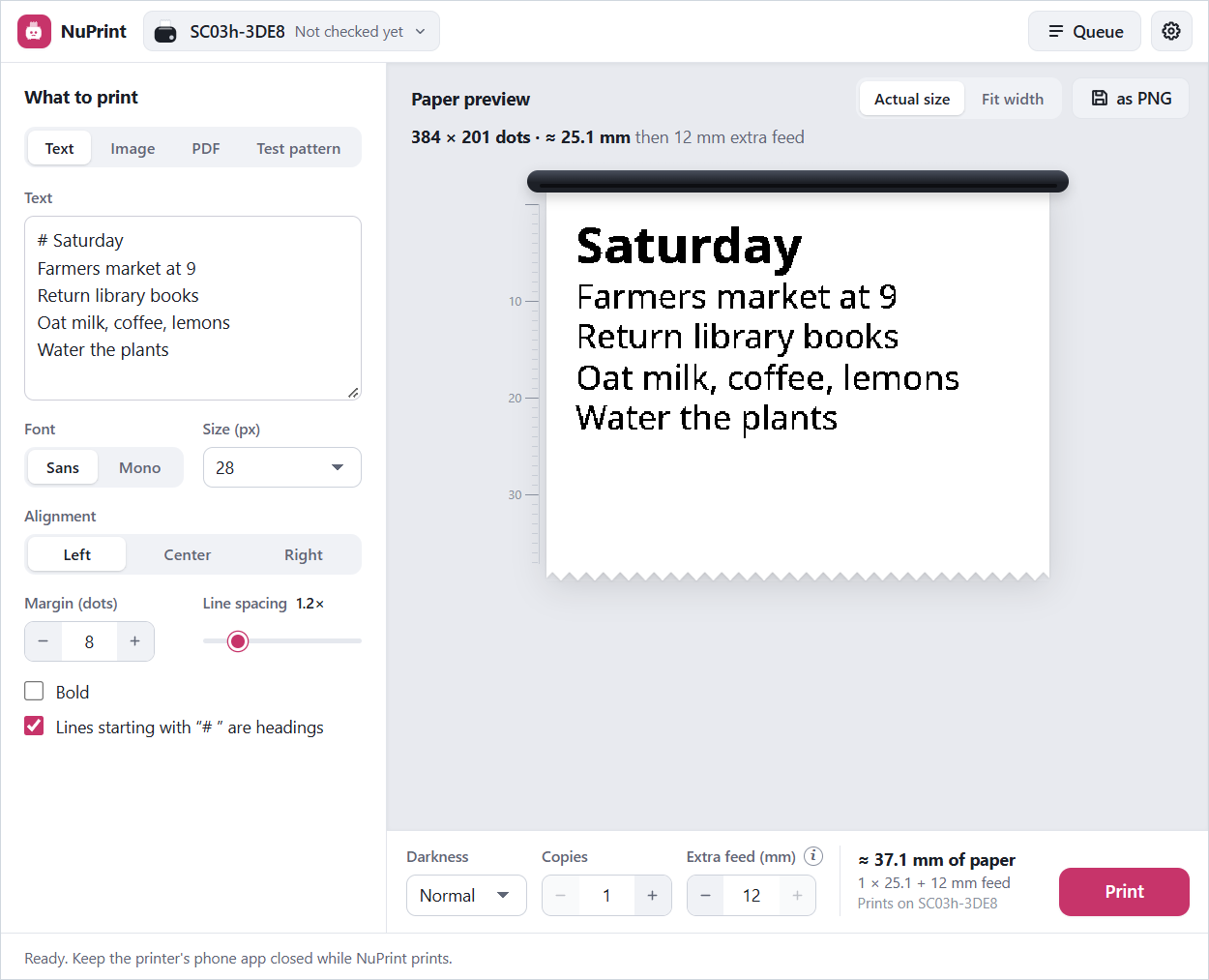
Type a note and start a line with # to make it a heading. The app says how much paper it will use.
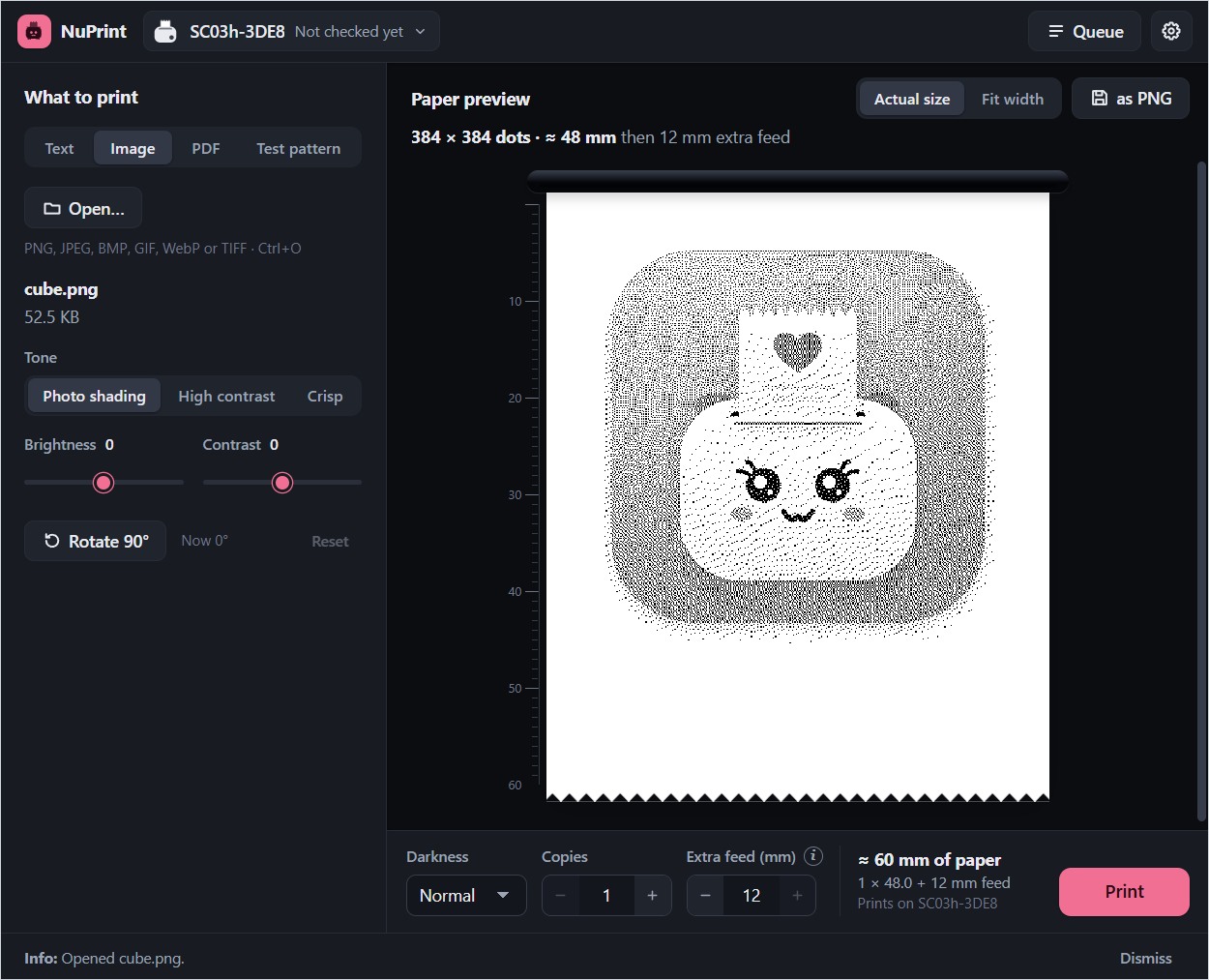
Open a photo or a drawing, pick a tone, and see every dot before it prints. PDF pages work the same way.
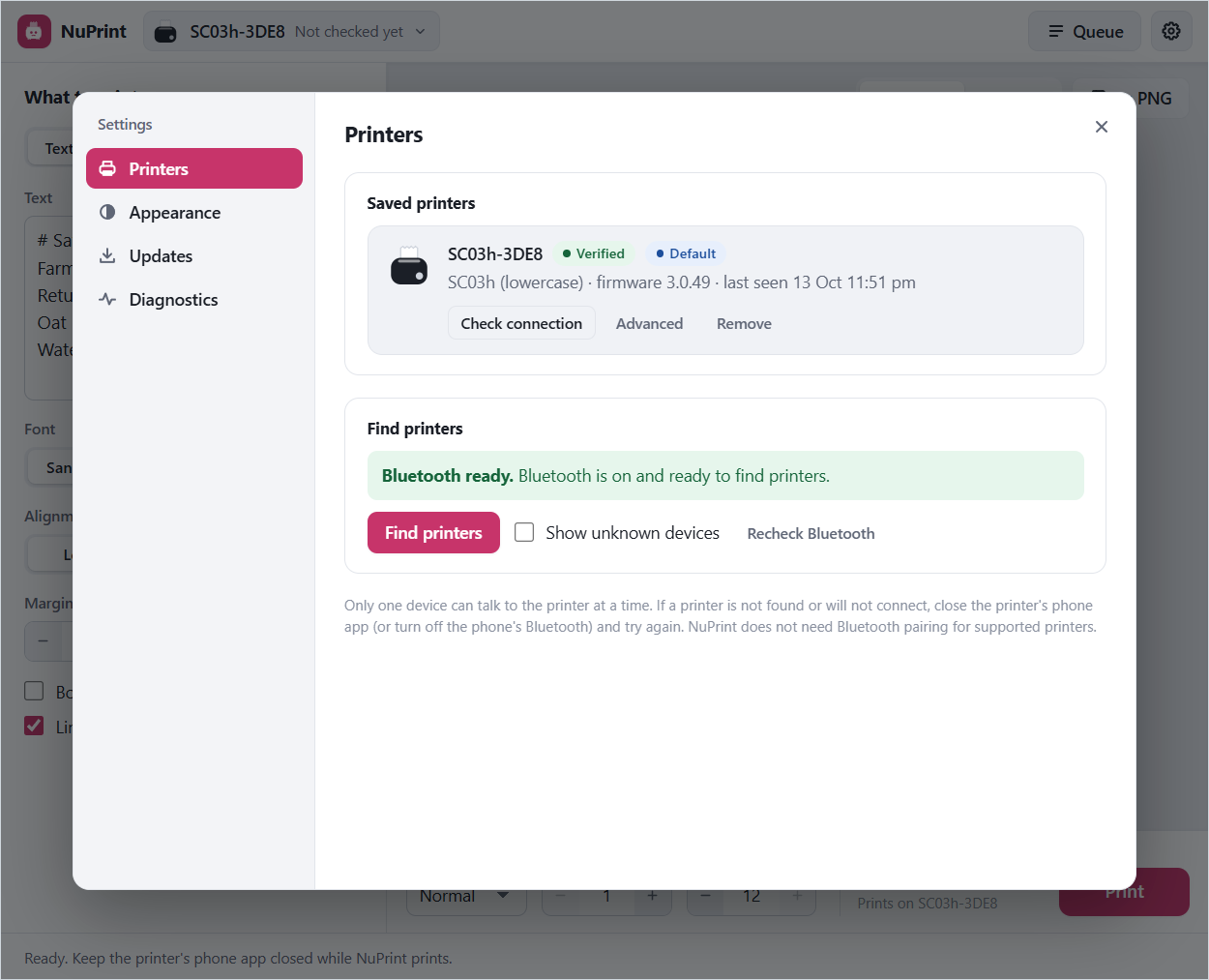
Find printers lists the ones nearby. Check connection asks a printer how it's doing without using paper.
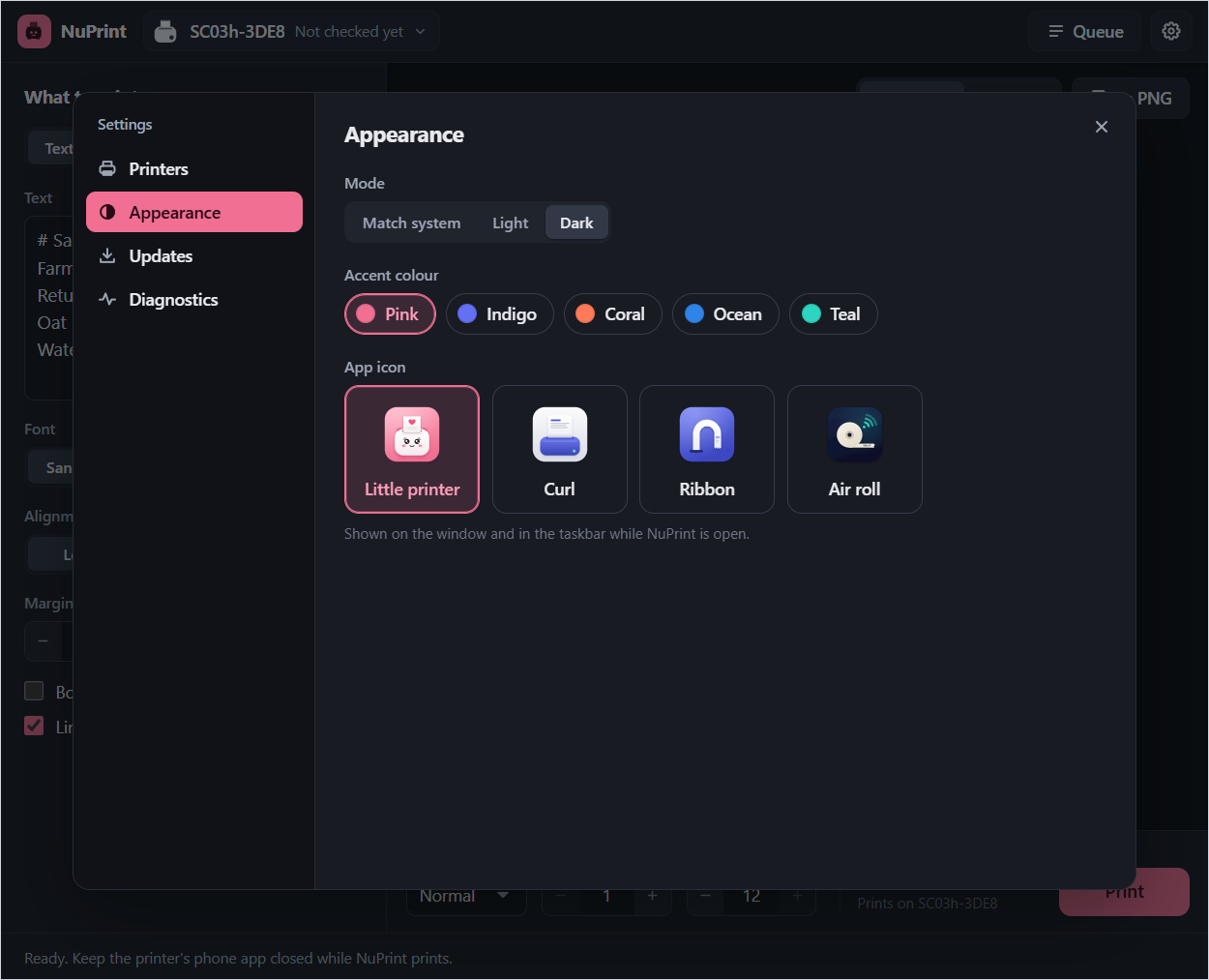
Light or dark, five accent colours, and four app icons, the little printer included.
Pick your system. Windows installers need no admin rights, and the app can check for updates in Settings › Updates when you ask.
PRINTERSWorks with the lowercase SC03h today. Each new model gets its own profile and a test on real paper before it's listed.